Handle multiple environments for multiple projects on one machine?
Bartłomiej Kuczyński
Is there a golden mean to handle many environments for a great number on just one machine? Our Java Expert Bartłomiej knows the answer!
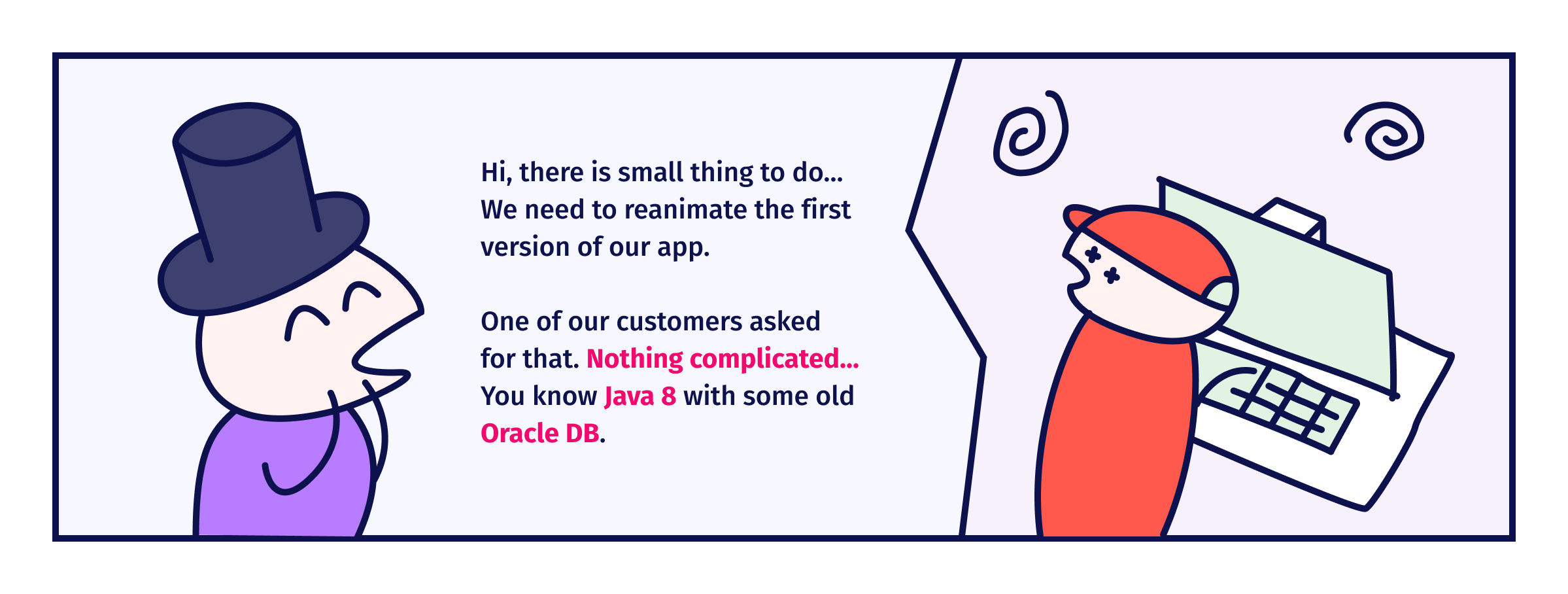
Let’s take a look at a typical work environment in a programinės įrangos namai. You have a few customers that have different environments. Some prefer MySQL, others prefer Postgres. One version of your application needs Java 11, and another Java 17. Frontend needs npm 12 or 16 because you use different versions of angular. Finally, you have that three-dimensional array that contains combinations of all your DBs, backend, and frontend versions. Sounds bad, but one day your boss says…
Roots of a multiverse environment
The situation described above isn’t something uncommon. Migration between language or framework versions, updates of databases or simply different requirements coming from customers could turn upside-down all configurations. We should have a solution that helps mus manage those changes, one that matches a few assumptions and/or requirements and/or goals:
easy to use – single command to change a configuration or a version,
rich library – should support multiple technologies and “things” (libraries, frameworks, apps),
extensible – you should offer the possibility to add your plugins.
In this article, I will focus on three areas. First is tools for Java and JVM. The second is general-purpose tools. The third is how to use docker to achieve our goals.
I am Java and I work on JVM
When you are a "Java" programuotojas or, more generally, you work with JVM technologies, then you can use SDKMAN!. This is a very nice and easy-to-use tool that supports many libraries, frameworks, and languages.
The installation process of SDKMAN! Is pretty simple. You need to run:
curl -s "https://get.sdkman.io" | bash
and then
source "$HOME/.sdkman/bin/sdkman-init.sh"
Now you can manage your Java, Scala ir Maven versions.
Managing versions – example
In this example, we will install and update the version of a few tools. This is just a small subset of available tools.
Installation
Let’s assume your new projektas uses Java 17. You don’t have any Java version installed. You want to install it and, in addition, add a Maven Daemon tool to make the builds faster. So, you need to install Maven, too. To do that, you need to execute three simple commands:
At the end of installing each tool, you will be asked about making it default:
Do you want Java 17-open to be set as default? (Y/n):
This is important when you install a new version of a library or a language, because of SDKMAN! will set that default version as global for all terminals for the current user.
Checking versions and updating
From time to time, SDKMAN! needs to update indexes. During this, you could a get message that there are some new versions of tools that you use. We can check which versions are available by typing sdk ls <TOOL>. For sdk ls maven:
Available Maven Versions
================================================================================
3.8.6 3.3.3
3.8.5 3.3.1
3.8.4 3.2.5
3.8.3 3.2.3
3.8.2 3.2.2
3.8.1 3.2.1
3.6.3 3.1.1
3.6.2 3.1.0
3.6.1 3.0.5
3.6.0 3.0.4
3.5.4
3.5.3
3.5.2
3.5.0
3.3.9
================================================================================
local version
currently in use
================================================================================
As we see above, Maven has a newer version than the one we use. The same is for mvnd (0.8.2) and Java (19-open). Let’s update everything. To do that, we just need to call the install command but in this time, we don’t use a version specifier:
But something wrong happened. Maven ir mvnd have correct versions, but Java has version 17.0.5-tem. That’s because “the newest” version of the tool is controlled by its vendor not local SDKMAN! who is this vendor? A vendor in SDKMAN! is someone who can publish a version. However, let’s say that we finally install 19-open, and we made it default, but for some reason, we need to use 17-open.
Local versions and per-terminal version management
We can configure a default version of a tool that is global for all projects and terminals. But when we need a specific version, we have two ways to do that. First is to use the sdk use <TOOL> <VERSION> command every time when we want to use a specific version of a tool in the current terminal. Second is to prepare a versions list in a .sdkmanrc file that is stored with the project.
While the first option is for single use, the second is designed for working with teams and sharing configurations between komanda members.
Pros and cons of SDKMAN!
SDKMAN! is very easy to use and has a rich library of supported tools, frameworks and languages. It works on Linux, MacOS and Windows. On the other hand, this tool is JVM-focused and requires the author’s acceptance to be a vendor. In addition, the mechanic of .sdkmanrc is very poor and could significantly slow down the process of changing directories.
I would like to use many other languages
If you need to use many languages and tools, you should take a look at asdf. This tool is focused on “high-level” tools. While in SDKMAN! you can find many Java-specific tools, like Bpipe or Znai, asdf offers much more tools but not so specific. Of course, some of those tools overlap, e.g. Java, Tomcat or mvnd are available in both.
When you would like to use asdf, you need to have git ir curl installed. After that, you just:
Now you can install plugins and tools in your favorite versions.
Plugin based management
Unlike SDKMAN!, asdf uses plugins to manage tools. So, before you can install a tool, you need to install a plugin. Let’s go back to our example project and try to configure the environment using asadfsdf.
And once again, unlike SDKMAN!, asdf doesn’t change anything in our environment. When we try to use java, we get an error message like:
No version is set for command Java

Consider adding one of the following versions in your config file at ~/.tool-versions

java openjdk-17
We need to create file .tool-versions in the home directory to manage default versions.
Local and global versions
Updating software versions with asdf is pretty simple. We just install a new version. Because this process does not affect the environment, we could do that at any time and at any place in the file system. When we want to use a specific version of some software, we need to create in the project directory a .tool-versions file that could be shared between team members. Remember that you need to guarantee that all team members have asdf and plugins installed. The list of plugins you can find čia.
Version conflicts
asdf supports not only programming languages, frameworks, and tools like vim or kubernetess. It supports databases, too. In such a case, we could install multiple versions of e.g. Postgres but only one instance could run. That’s because asdf executes commands directly on your OS without any separation layer. That leads to problems like “port already in use” and conflicts on resources.
Pros and cons
asdf is a very good tool if you would like to work in a polyglot environment. It supports many tools, languages, and frameworks. Plugin-based architecture makes it very easy to extend that. However, some of the tools that it has in the library need additional work during installation to provide all required dependencies. asdf does not work on Windows, even on WSL.
Last but not least – Docker
When I talk about the port conflict above, many of you know the solution.
"Docker" could help us in some cases. I mention it out of duty, because this tool is so big and complex that we cannot discuss it in one article.
Together with Docker, we should use a docker-compose tool that gives us the possibility to coordinate multi-container environments.
Pros and cons of Docker
Docker helps us manage tools that need some specific resources, like ports or files. It separates instances in containers and gives us full control over them. Nevertheless, Docker is a tool that introduces a lot of complexity to our working environment and could be problematic in some cases. One of those cases of using Docker in a test is described in one of our previous straipsnis.
Apibendrinimas
I know that I didn’t describe all tools that could be used for managing tool versions. There are many more of them, such as jEnv that could replace SDKMAN,
arba NVM that we can use to manage npm or RVM svetainėje Ruby. I focused on tools that I “tested on the battlefield” and can recommend to anyone.






 Lithuanian
  English
  German
  Swedish
  Danish
  Norwegian
  Finnish
  French
  Polish
  Arabic
  Italian
  Spanish
  Dutch
Dutch  Estonian
  Greek
Greek  Portuguese
  Czech
Czech  Latvian